 Custom parts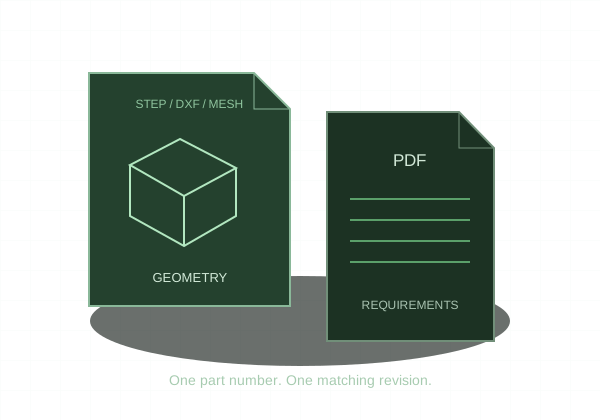
The STEP defines the shape. The PDF defines requirements that the shape alone cannot communicate.
Export the finished solid
Use STEP/STP with one solid body for the online CNC quote. Suppress unrelated assembly components and construction geometry. Verify that the model is closed and at the intended units and scale. Avoid using a mesh conversion when the original CAD solid is available.
Make the PDF functional
Include units, part number, revision, material grade, and any required stock condition. Identify threads, fits, critical tolerances, and finish. Use datums where geometric relationships matter. A drawing should clarify manufacturing requirements without duplicating every noncritical model dimension.
Resolve conflicts before upload
The model and drawing must describe the same revision. A drawing that calls out a different hole size or overall length creates ambiguity rather than useful redundancy. Check filenames, title block, and the actual geometry—not just the saved date.
Verify the quote selections
Compare displayed dimensions with a known dimension. Select material and quantity, and make sure thread inputs and tolerance selections agree with the drawing. Online limits are not a substitute for a machinable design. Larger batches, special documentation, and unlisted materials use custom RFQ.